Make room for bigger downloads.
Connections and segments adapt to server conditions to make better use of the bandwidth available.
Connection scheduling illustrationMade for macOS & Windows
Save web videos, manage large downloads, and send links
from your phone—all in one place.
Free to use · 7-day Pro trial · No ads
Save supported videos with ease
Work with the server, not against it
Verify first. Then pick up the progress.
Share the link. Let your computer download.
01 / A better way to browse and save
Open the menu on a supported video, choose your quality and where to save it, and let TurboGet take it from there.
Move over the video and open the TurboGet button in the top-right corner.
Pick from the resolutions available from the source.
Set the name and folder, then add it to your computer’s download queue.
Availability depends on the source, your access, and the extension version. No DRM bypass.
 Between peaks and water
 TurboGet
 Choose a folder in the app
Interactive demo · No real download is created
02 / The essentials, thoughtfully handled
From the first connection to the saved file, the details matter.
Connections and segments adapt to server conditions to make better use of the bandwidth available.
Connection scheduling illustrationKeep recoverable progress and verify the file before resuming. If the source changes, you get a choice—not a mixed-up file.
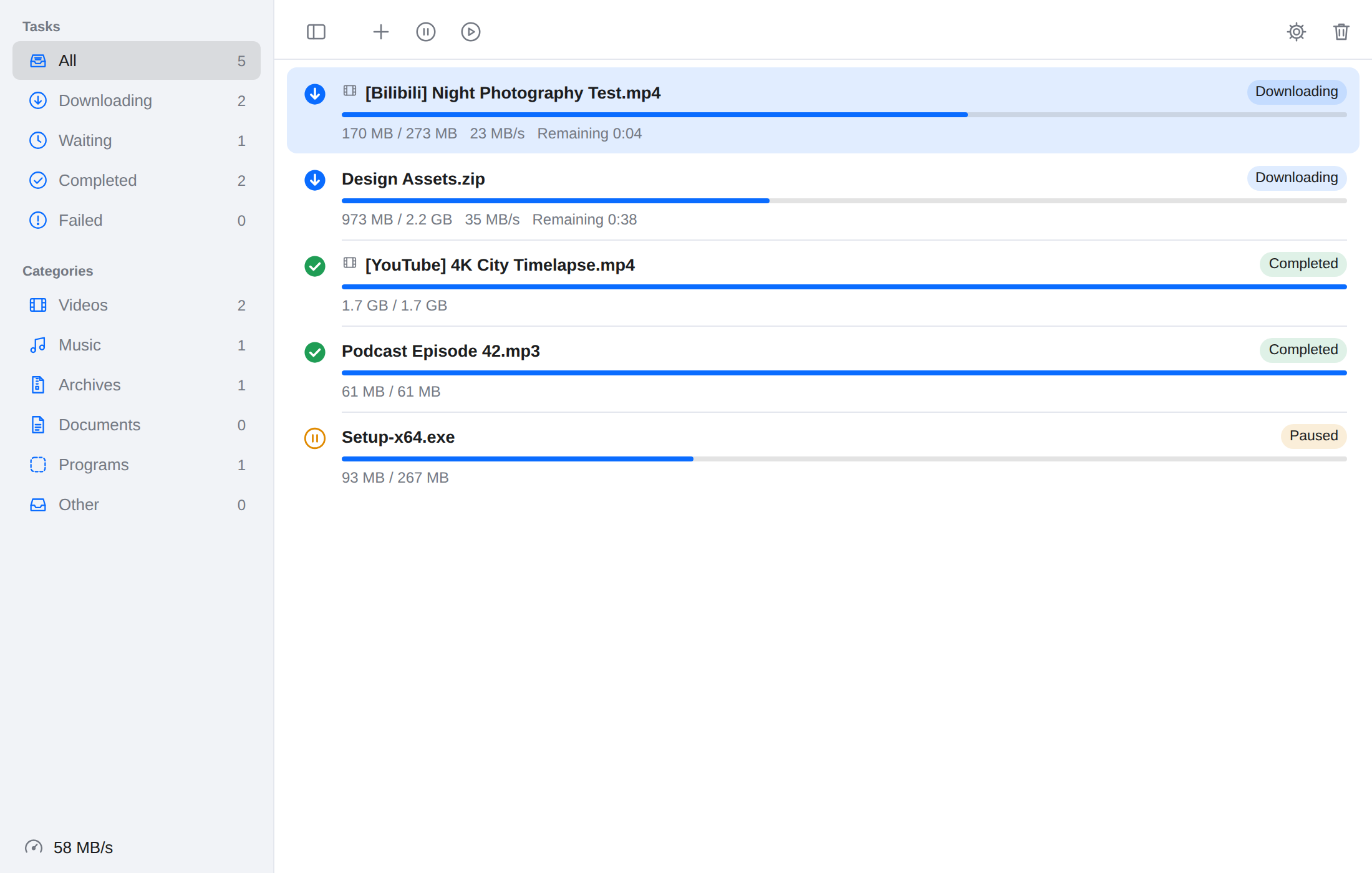
Sort by file type and choose your own folders. Everything has a place.
Actual speeds depend on your network, the server, and the source.
03 / Good finds don’t have to wait
Send a link from the share sheet and pick it up on your computer. No need to download the full file to your phone or use the same Wi-Fi network.
Requires Pro or a trial. Links pass through the relay service; files download directly to your computer. The desktop app must be running with receiving enabled.
Share a link
TurboGetA simple, honest choice
Try Pro for 7 days and see how it fits your day. No subscription required.
For your occasional downloads
Buy once. Keep using it.
Keep using versions covered by your license after the update period ends. Renew updates only if you want newer releases. Source and website restrictions still apply.
Optional update renewal · ¥29.9 / year
Adds another year of updates. Keep using versions covered by your license without renewing. For existing Pro licenses only.
FAQ
TurboGet supports macOS 14 or later on Apple silicon and Intel, and Windows 10 / 11 x64. The extension works with Chrome, Edge, Brave, Arc, and other Chromium browsers, plus Safari on Mac.
No tool can guarantee that. Availability depends on the website, your access, its streams, and the extension version. Some store versions also have platform-policy restrictions. TurboGet does not bypass DRM or paywalls. Only download content you have the right to use.
When the server supports resume and the file can be verified, TurboGet can reuse your progress. If the source changes, a link expires, or resume is unsupported, the app explains your next options instead of silently combining different files.
No. Your one-time purchase includes a year of updates. You can keep using releases covered by your license. Renewing updates is optional, with no automatic charges.
Phone sharing sends links to your own computer. Android uses an app and iPhone uses a shortcut. The running desktop app downloads the file—not your phone or a cloud downloader.
Files download directly from the source to your computer. Phone links pass through the relay and are deleted after 7 days. The app also makes license and update requests and sends anonymous statistics you can turn off. See the Privacy Policy.
Leave the waiting to TurboGet. Keep your time for yourself.